

Key Takeaways
- Review packaging at physical size and at the small image sizes customers see in a product grid.
- Make the product type and variant easy to recognise without requiring every line of packaging copy to be readable in a thumbnail.
- Test real materials and finishes under likely photography lighting; flat artwork cannot reveal every reflection or crease.
- Plan the main image, supporting angles and mobile crops before approving the packaging design.
- Keep product images truthful and check the requirements of any shopping channels using them.
To design packaging that works in Shopify product photos, test the pack in the context where customers will see it. A full-size artwork proof is necessary, but it does not show how the design behaves in a collection grid or on a phone.
At a small size, fine details disappear. Similar variants become difficult to distinguish. A reflective finish may hide the product name, while a tightly cropped image can make a box look like a flat label.
The answer is not to make every pack louder. It is to create a clear hierarchy, choose materials deliberately and coordinate the packaging with the photography and website layout.
Decide What the Customer Needs to Recognise First
List the information a shopper needs before opening the product page. Usually that includes the product type and a meaningful distinction between variants. The brand should be recognisable without overwhelming the item itself.
A beautiful brand name is not enough if a new customer cannot tell whether the pack contains tea, skincare or a household product. Use clear product language where it belongs in the design.
Do not expect all small print to remain readable in a thumbnail. Important details can also appear in the product title, description and supporting images. The packaging and page should work together.
Our packaging design guide for small businesses covers the broader role of packaging. Here, the focus is the practical bridge between the physical object and the ecommerce image.
Build a Hierarchy That Survives Reduction
Print or display the proposed front panel at its actual size, then reduce a photograph or realistic mock-up to the size used in the store's collection grid.
Ask what remains clear. Is the product name recognisable? Does the main contrast hold up? Are decorative elements competing with the information the customer needs?
Try the test on a phone rather than judging only on a large monitor. View several products together, because a pack that looks distinctive alone can disappear among similar shapes and colours.
A packaging design project should include those contextual checks before the final artwork is treated as complete. Small changes to spacing or hierarchy can be easier to make before print production than after the photographs arrive.
Make Variants Distinct Without Relying Only on Colour
Colour can help shoppers recognise a range, but it should not carry every distinction. Similar shades may be difficult to tell apart in small images or under different lighting.
Use a clear variant name or another consistent visual cue where appropriate. Keep the overall family recognisable while making the specific item easy to identify.
For a fictional tea range, the flavour label and a simple pattern difference might support the colour system. This is an illustrative design approach, not a claim about a real client product.
Test neighbouring variants together. If the customer must open every product simply to determine which one is which, the packaging, photography or product naming may need clearer differentiation.
Review the Material, Not Only the Artwork
Paper texture, gloss, foil, transparent areas and curved surfaces affect the photograph. A finish that feels premium in the hand may reflect the light directly over important wording.
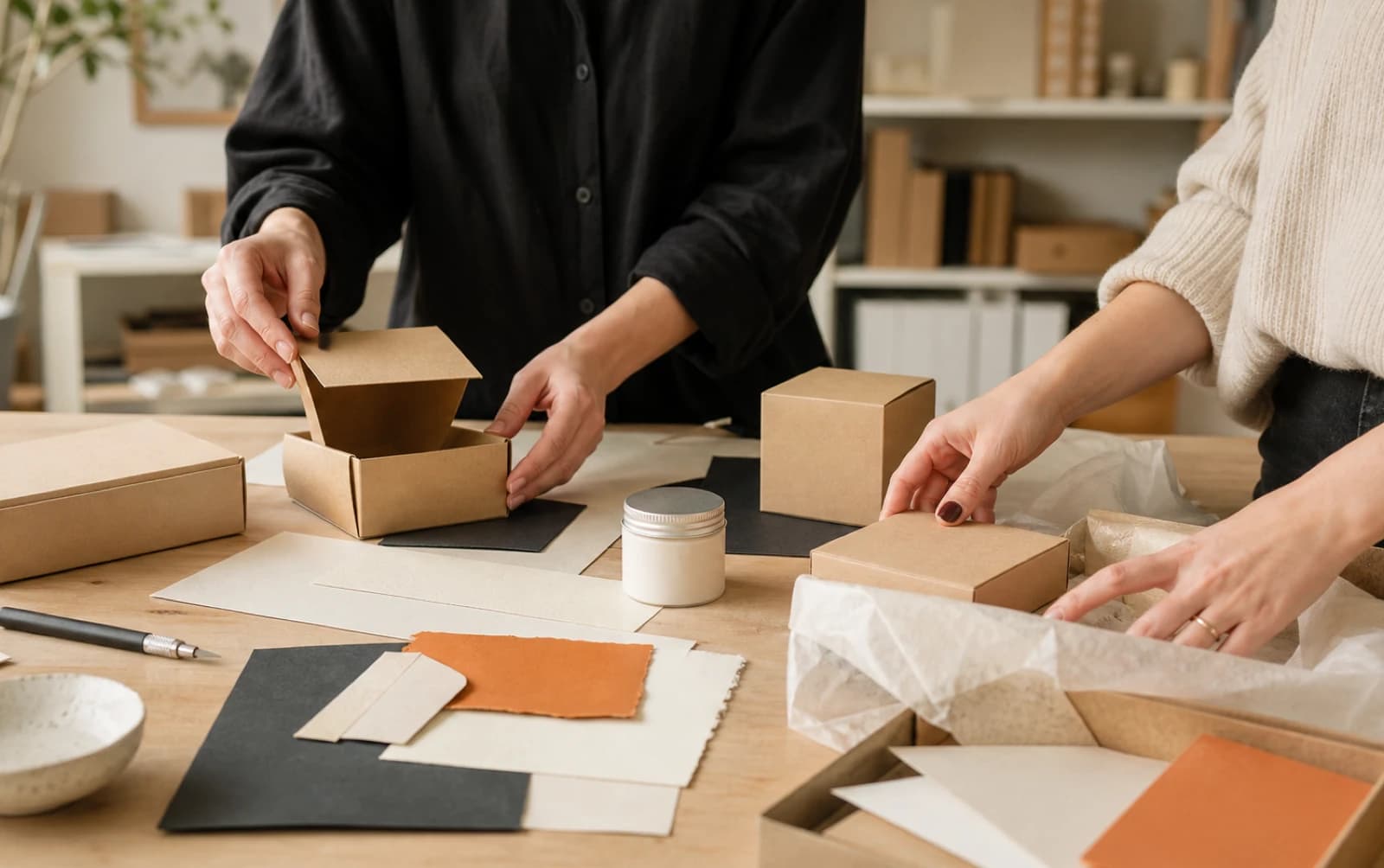
Ask the printer or packaging supplier for suitable samples or proofs. Photograph a representative material under a simple test setup before committing to a large production run.
Check folds, seams and label placement. A headline that sits neatly on a flat design can move awkwardly around a curved jar or disappear near a box edge.
The objective is not to avoid interesting materials. It is to understand the trade-off and plan lighting and angles that show the product honestly. Keep the photographer involved when the finish is an important part of the design.
Plan the Main Product Image
Choose the image that makes the product easiest to identify in the store. It should show the actual item and relevant packaging clearly, with a composition that fits the theme's product grid.
Decide whether the pack alone is enough or whether the contents also need to be shown. Make it clear what is included in the purchase; props should not create a misleading impression.
Keep scale and framing reasonably consistent across the range. A small item photographed much larger than neighbouring products can distort the perceived relationship between them.
Shopify's product-media guidance covers adding and managing images and other media. The storefront's theme and variant setup still need testing to confirm which image appears in each context.
Create Supporting Images with Specific Jobs
Do not fill the gallery with near-identical angles. Give each image a reason to exist: show the back panel, explain scale, reveal texture, demonstrate use or clarify the contents.
If packaging copy is important to the buying decision, provide a readable supporting view and the relevant information as page text where appropriate. A customer should not have to decipher a compressed photograph to understand an essential detail.
Include the actual variant being sold. When one gallery is reused across several variants, check that the selected option and visible image do not contradict each other.
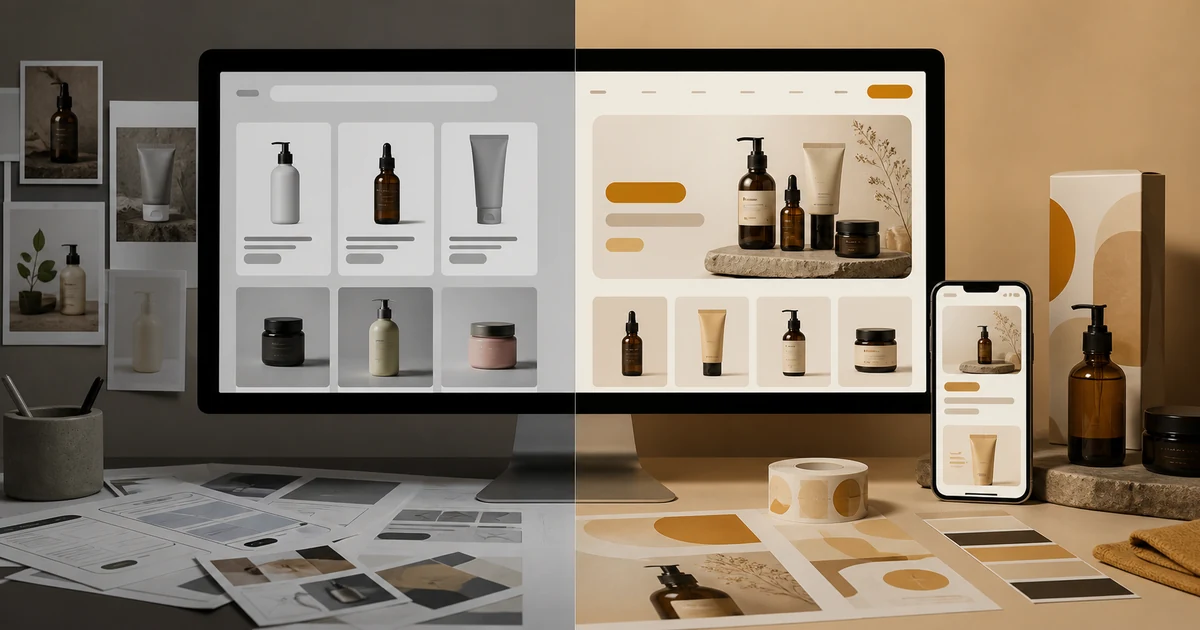
Our article on making a Shopify store feel like a brand explains the wider consistency. A coherent gallery helps the store feel considered without sacrificing useful product information.
Test the Crops Used by the Theme
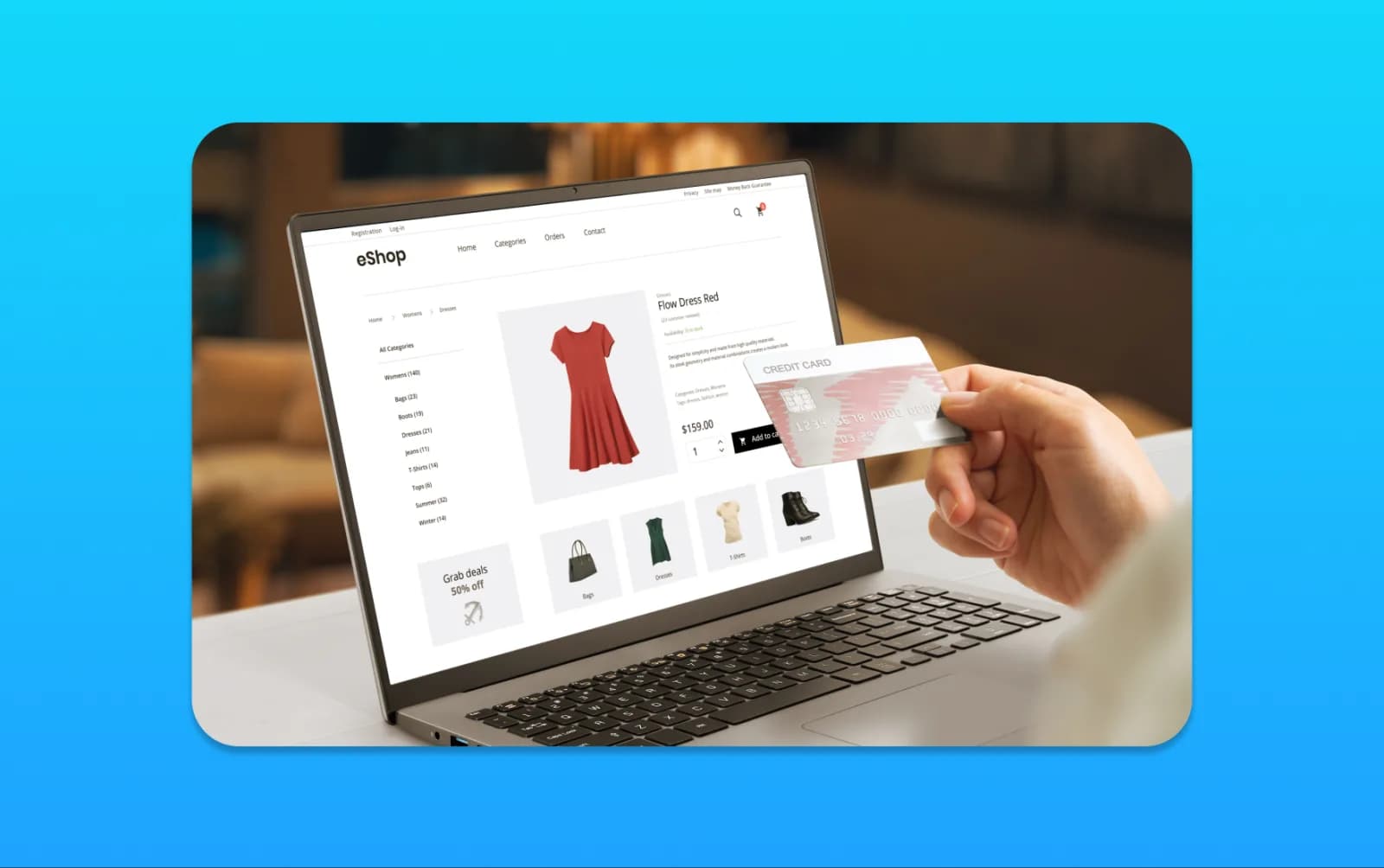
Inspect the product in the collection grid, search results, recommendations, product gallery and mobile layout. The same source image may be cropped differently in each place.
Leave enough space around the pack to protect important edges while avoiding so much empty background that the product becomes tiny. The correct balance depends on the layout.
| Placement | What to check |
|---|---|
| Collection thumbnail | Product and variant remain recognisable |
| Product gallery | Detail is clear at the available display size |
| Mobile view | Important parts survive the crop |
| Related-product card | Scale is consistent with neighbouring items |
| External shopping channel | Image meets that channel's requirements |
Ask the website team to show the actual implementation. A square image in the asset folder does not prove every card will display it as intended.
Keep Shopping-Channel Requirements Separate
A promotional graphic that works on social media may be unsuitable as a product-feed image. Check the destination's current requirements before reusing the same file everywhere.
Google Merchant Center's image-link guidance requires accurate product imagery and restricts promotional overlays. It also provides guidance for products shown in their original packaging.
Do not add sale badges, delivery promises or unrelated text to the core product image simply because a campaign needs them. Create appropriate separate promotional assets where allowed, and keep the catalogue image suitable for its purpose.
If an image is generated or substantially altered, verify the channel's requirements and ensure the product remains accurately represented. Retouching should not invent a finish, size or included accessory.
Protect Required Packaging Information
The design must still satisfy the practical and regulatory requirements applying to the product. Do not remove necessary wording merely because a cleaner front panel would photograph well.
The requirements differ by product and market, so involve the appropriate specialist and supplier. This article is about design and photography, not a complete labelling-compliance guide.
Keep approved artwork, version information and sign-off responsibilities clear. If ingredients, quantities or claims change, update the physical pack, product page and relevant images together.
For brand identity work, consistency includes factual accuracy as well as appearance. An attractive old photograph can become misleading when the contents or packaging have changed.
Run a Small Pre-Production Test
Create a representative prototype or proof, photograph it under suitable lighting and place the image into a realistic product grid. Use several variants and a mobile view.
Ask someone unfamiliar with the design to identify the product and choose a variant. Note confusion without explaining the intended answer first.
Check the physical object as well: legibility, handling, opening and how the design sits on the finished form. The photo test should complement, not replace, normal packaging review.
Record what needs changing in the artwork, material, lighting or website crop. That makes the next revision specific rather than a vague request to make the pack “pop”.
Hand Over an Organised Image Set
Use filenames or an asset manifest that connect each image to the correct product and variant. Identify the approved main image, supporting views and any channel-specific versions.
Keep high-quality masters and prepare suitable web derivatives through the site's image workflow. Avoid repeatedly recompressing an already compressed file as it passes between people.
Give the editor context for image descriptions and captions. They need to know what the image shows and whether it is a final product, prototype or illustrative mock-up.
An ecommerce development review can check the final display across the store. The useful finish line is not a beautiful pack on a designer's screen; it is a truthful, recognisable product that customers can understand in the places they actually shop.
Frequently Asked Questions
Should every word on the packaging be readable in a thumbnail?
No. Prioritise recognition of the product and variant at small sizes. Provide important details through readable supporting images and appropriate product-page text as well.
How can we make similar variants easier to distinguish?
Combine a consistent range design with clear variant names and suitable visual differences. Do not rely on subtle colour changes alone, and test the variants together on a phone.
Should we avoid glossy or foil packaging for ecommerce?
Not necessarily. Test the real finish under likely photography lighting. Some materials need particular angles or lighting to avoid glare over important information.
Can we use the same image for Shopify, Google Shopping and social posts?
Sometimes, but the requirements and purpose differ. A clean product image may work across catalogue channels, while promotional overlays can be unsuitable for a product feed. Check each destination.
When should product photography be considered in packaging design?
Before final print approval. Photograph a representative prototype, place it in the intended store layouts and test mobile recognition while changes to the artwork or finish are still manageable.