

Key Takeaways
- AI is now cheap and practical for small Shopify stores, not just big retailers.
- Personalisation is the biggest win: McKinsey links it to a 5 to 15% revenue uplift.
- Use AI for recommendations, smarter search, support, content, pricing insight and cart recovery.
- Start with one tool tied to a clear goal, measure it, then add more.
- AI handles the busywork so you can focus on product and customers.
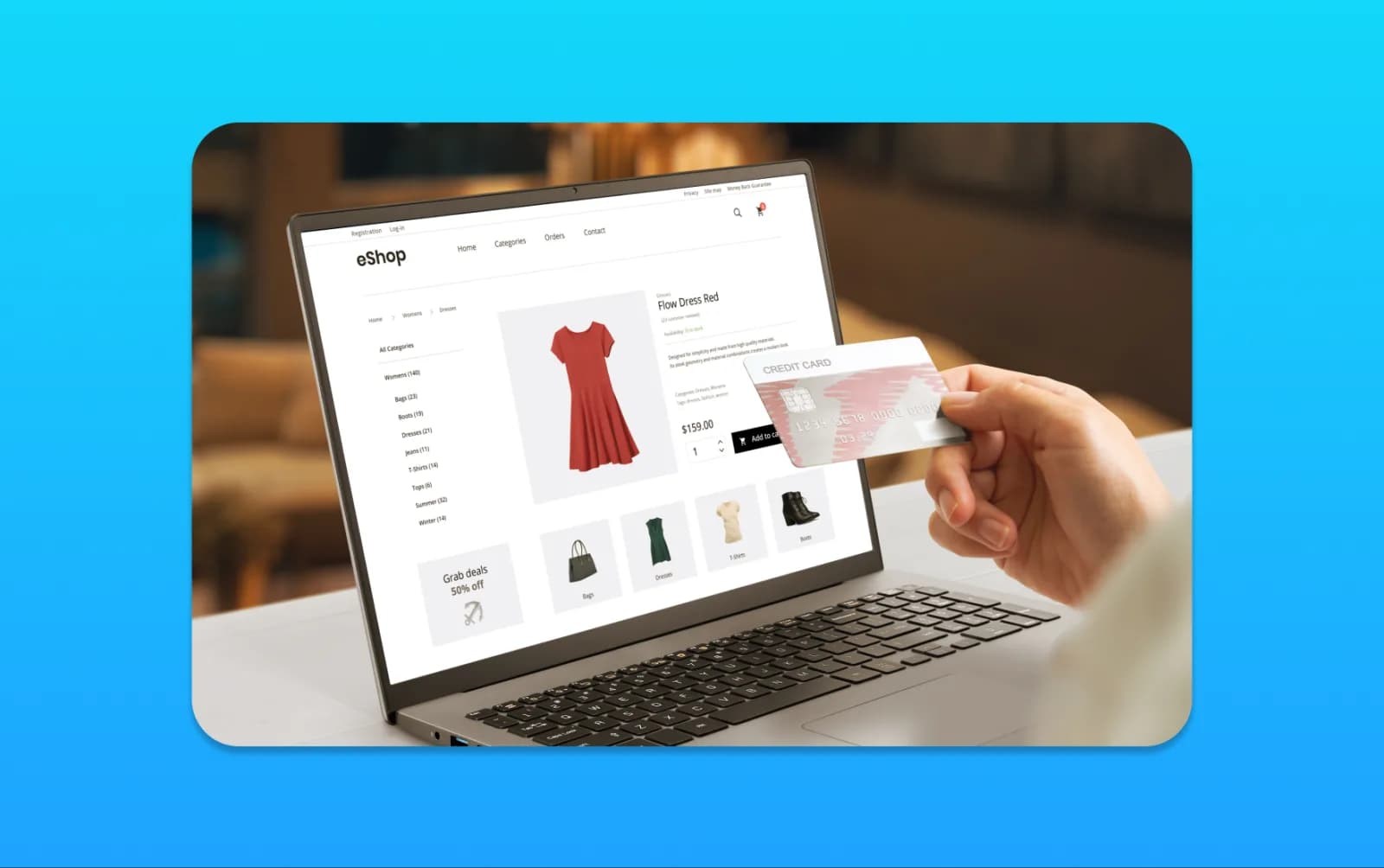
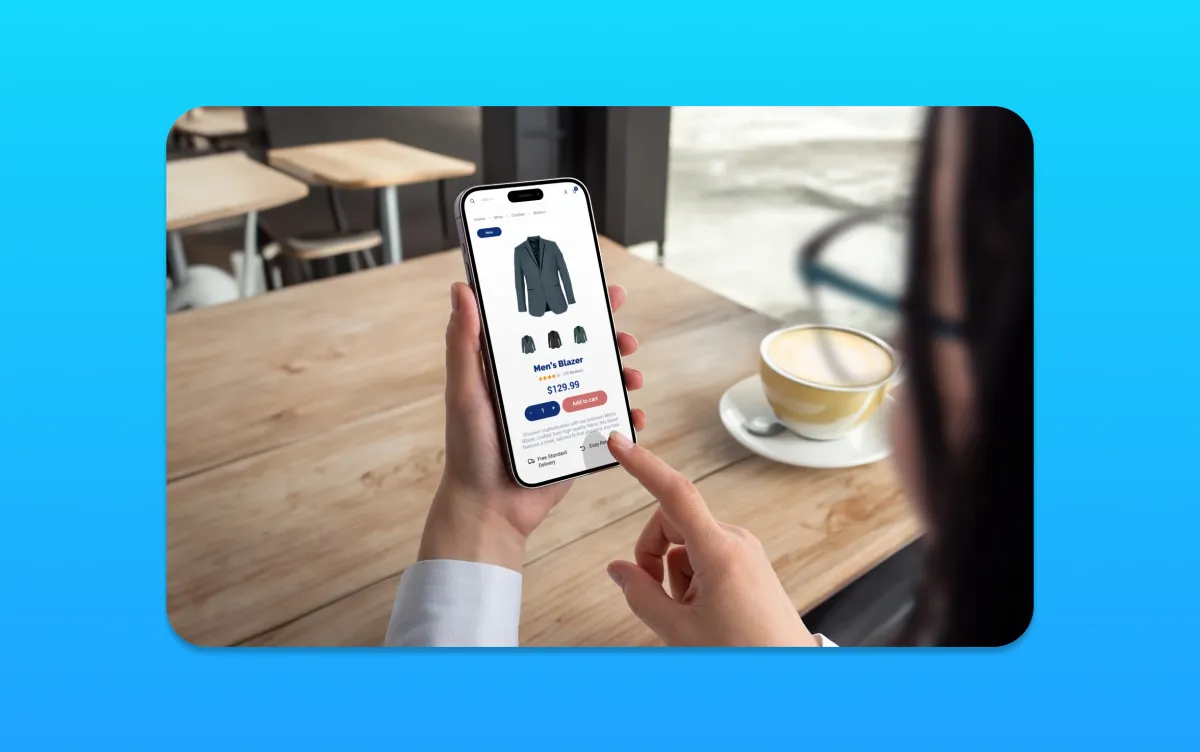
For years, the clever ecommerce tricks, personalised recommendations, instant support, smart search, belonged to the big retailers with big budgets. That has changed. AI has made those capabilities cheap and easy to add to a Shopify store, and most owners are barely scratching the surface.
It is worth doing, because the gains are real: McKinsey found personalisation can lift revenue by 5 to 15%. This guide covers seven practical ways to use AI in your Shopify store, with a focus on the ones that actually move sales rather than just sounding impressive.

1. Personalised Product Recommendations
The single biggest win. AI recommendation tools show each shopper the products they are most likely to buy, the ecommerce equivalent of a great salesperson who remembers everyone. This is where personalisation earns that 5 to 15% revenue uplift, and it is one of the easiest things to add to Shopify.
2. Smarter On-Site Search
Most store search is poor, and a shopper who cannot find a product leaves. AI-powered search understands what people mean, not just exact keywords, handles typos and synonyms, and surfaces the right products faster. Better search means more of your visitors actually reach a buy button.
3. An AI Support Assistant
An AI chatbot trained on your products and policies answers common questions instantly, day and night: sizing, delivery, returns, stock. It captures sales you would otherwise lose to a slow reply, and hands the tricky cases to a human. See our guide on building AI customer service that works.
4. Faster Product Content
Writing unique descriptions for hundreds of products is a slog, and copying the manufacturer's text hurts your SEO. AI can draft unique, on-brand descriptions you then refine, which keeps your product pages original and search-friendly without eating your week.
5. Abandoned-Cart Recovery
Most carts are abandoned. AI-driven email and messaging flows bring those shoppers back with timely, relevant nudges, recovering sales that were otherwise gone. It is one of the highest-return automations a store can run.
6. Pricing and Demand Insight
AI tools can spot trends in your sales data, flag which products are gaining momentum, and help you make smarter stocking and pricing decisions, the kind of analysis that used to need a dedicated analyst.
7. Marketing and Audience Help
From drafting campaign copy to spotting your most valuable customer segments, AI speeds up the marketing around your store, which pairs naturally with the rest of your Shopify marketing.
Frequently Asked Questions
Can AI really increase Shopify sales? Yes, particularly through personalisation. McKinsey links good personalisation to a 5 to 15% revenue uplift, and recommendations, smarter search and cart recovery all turn more of your existing visitors into buyers.
What is the best AI tool to start with for a Shopify store? Personalised product recommendations usually give the fastest, clearest return, followed by abandoned-cart recovery. Start with one, tie it to a goal, and measure it before adding more.
Are AI tools for Shopify expensive? Most are affordable and many are available as Shopify apps with monthly plans. The value comes from choosing the right tool for a real problem, not from buying the most expensive one.
Is it hard to add AI to a Shopify store? Often no. Many AI tools are Shopify apps that install in minutes. The work is in choosing wisely, setting them up well and measuring the results.
Will an AI chatbot annoy my customers? Not if it is well set up. A good assistant answers common questions instantly and hands anything complex to a human quickly, which most shoppers prefer to waiting for a reply.
The Bottom Line
AI has put big-retailer capabilities within reach of any Shopify store. The biggest wins are personalisation, smarter search and cart recovery, all of which turn more of your existing traffic into sales. Start with one tool tied to a clear goal, measure it, then expand.
If you want help choosing and setting up the right AI for your store, get in touch. We combine ecommerce development with custom AI solutions for UK businesses.
Choose the Workflow Before the Tool
The strongest Shopify AI projects start with one measurable constraint: product discovery, support volume, merchandising time, stock forecasting or retention. A long tool list is not a strategy. Define the baseline, choose one workflow and check whether the result improves conversion, resolution time, repeat purchase rate or hours saved.
Before installing an app, check what customer and order data it can access, how it handles deletion requests, whether a human can review its output and what happens when the subscription ends. In our experience, the smallest reliable workflow normally creates more value than several overlapping apps that nobody owns.
Pair the tools with the Shopify SEO checklist, ecommerce development and AI automation so store structure, customer experience and automation support the same commercial goal.
Select the Workflow Before the Tool
Choose one measurable store problem—slow support, inconsistent product copy, weak merchandising or repetitive reporting—and test an AI tool against a manual baseline. Define who approves output, which customer or product data the tool receives, and how the team will detect incorrect recommendations. Do not install multiple overlapping apps before the first use case has proved useful.
For customer-facing AI, provide a clear human route and review failed conversations. For content, require product facts to come from the catalogue rather than generated assumptions. For personalisation, check the supplier's privacy and retention terms before sharing customer data. The ICO guidance on AI and data protection is the right UK starting point.