

Key Takeaways
- Headless means keeping WordPress to manage content while a Next.js front-end delivers the site to visitors.
- The gains are real: sub-second loads, tighter security and full control over SEO and performance.
- It is the dominant trend for growth-focused sites, but it costs more and takes longer to build.
- Classic WordPress is still the right, cheaper choice for many small and content-led sites.
- The deciding factors are how central your site is to revenue and how much performance you need.
The biggest shift in web development right now is one most business owners have never heard of, but will. Instead of WordPress running both the content and the front-end of a site, teams are keeping WordPress as the content manager and rebuilding the part visitors actually see with Next.js. It is called going headless, and it is the dominant trend for serious, growth-focused sites.
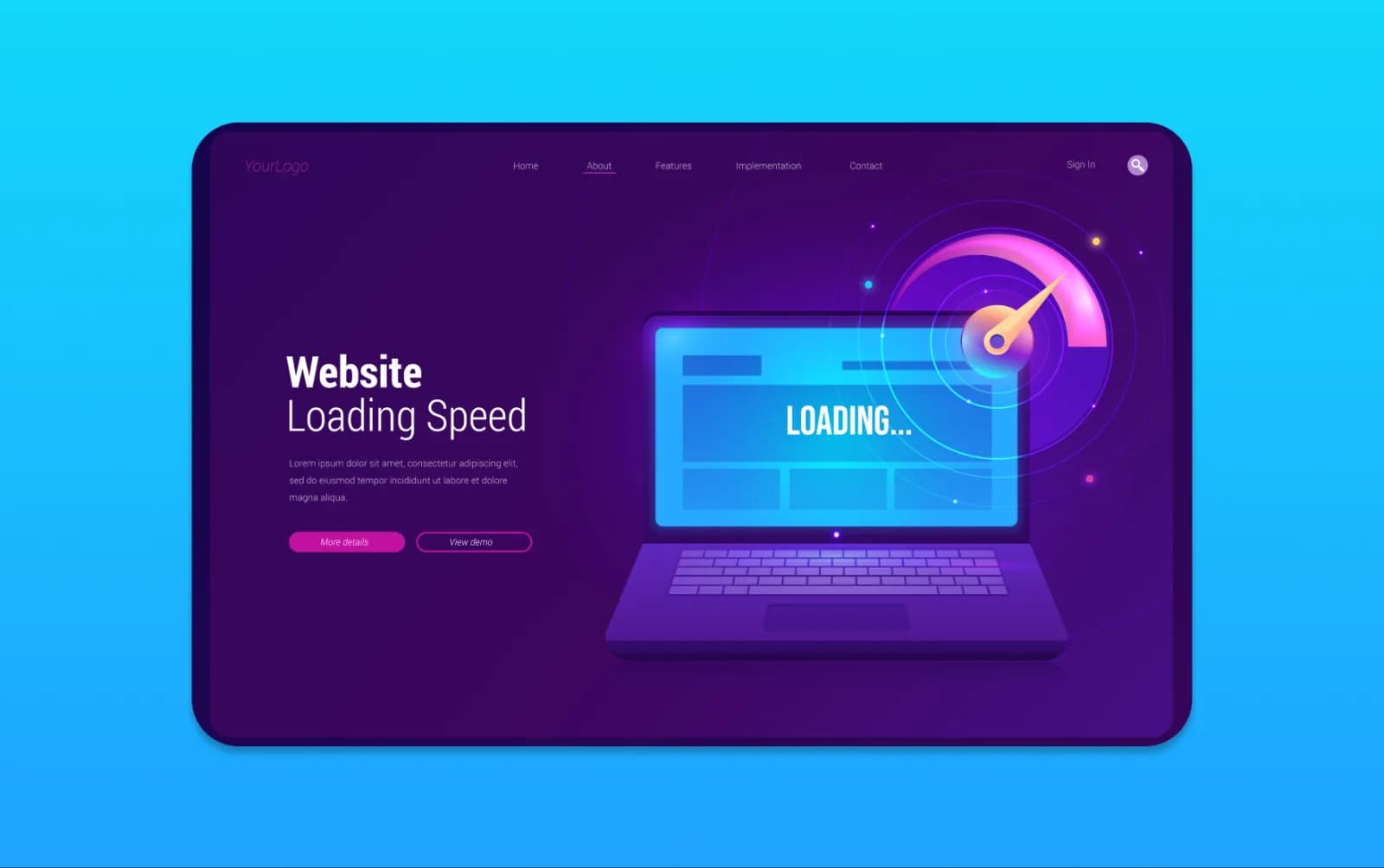
The appeal is real: faster pages, tighter security and full control over SEO. And speed matters, because 53% of mobile visitors leave a page that takes more than three seconds to load. But headless is not for everyone. This guide explains what a WordPress to Next.js rebuild means, when it is worth it, and when classic WordPress is still the smarter choice.

What 'Headless' Actually Means
Normally, WordPress does two jobs: it stores your content and it builds the pages visitors see. Headless splits those apart. WordPress stays as the friendly place you and your team manage content, but a separate front-end, built with Next.js (a modern framework), takes that content and delivers a fast, modern site to visitors.
You keep the WordPress editor you know; visitors get a site that behaves more like an app than a traditional web page.
The Real Benefits
For the right site, the gains are significant:
- Speed: Next.js can pre-build pages and serve them in well under a second, which helps both conversion and rankings.
- Security: with the public site separated from WordPress, the most common WordPress attack surface largely disappears.
- SEO and control: full control over structure, performance and how pages are rendered.
- A better developer experience, which means features ship faster.
This is exactly why growth-focused businesses are moving this way, and it is the architecture we use for high-performance builds.
The Honest Trade-Offs
Headless is not free of downsides:
- Higher upfront cost and longer build: you are building a custom front-end, typically over several weeks.
- More moving parts: two systems instead of one to maintain.
- Overkill for simple sites: a small brochure site will not feel the benefit.
For many small and content-led businesses, a well-built classic WordPress site is faster to deliver, cheaper to run, and perfectly fast enough.
Should You Rebuild? A Simple Test
Ask three questions:
- Is your website central to revenue? The more it drives leads or sales, the more the performance pays back.
- Is speed or scale a real constraint? If your current site is slow under load or growing fast, headless helps.
- Do you have the budget for a custom build? If not, a lean WordPress rebuild may be the better value.
If you answered yes to the first two, a WordPress to Next.js rebuild is worth serious consideration. If not, classic WordPress, done well, is likely the smarter choice.
Frequently Asked Questions
What does it mean to move from WordPress to Next.js? It means going headless: keeping WordPress to manage your content while a separate Next.js front-end delivers a faster, more modern site to visitors. You keep the editor; visitors get the speed.
Is Next.js faster than WordPress? A Next.js front-end can be significantly faster, often serving pre-built pages in under a second. A well-optimised classic WordPress site can also be fast, but Next.js makes top-tier performance easier to reach and keep.
Is a headless rebuild worth it for a small business? Often not. Headless shines for growth-focused, performance-critical or high-traffic sites. For a small or content-led site, a lean classic WordPress build is usually faster to deliver and cheaper to run.
Will moving to Next.js hurt my SEO? Not if done properly. With careful redirects and SEO planning, a headless rebuild usually improves SEO thanks to better speed and control. Done carelessly, any rebuild can lose rankings, so the migration matters.
Can I still edit my own content after going headless? Yes. That is a key benefit: you keep WordPress as your content editor, so updating text, images and pages stays familiar, while the Next.js front-end handles delivery.
The Bottom Line
Moving from WordPress to Next.js keeps the editor you know and gives visitors a faster, more secure site, which is why it is the leading approach for growth-focused builds. But it costs more and takes longer, and many small sites are better served by a lean, classic WordPress build. Match the architecture to how much your website really has to do.
If you want an honest view on whether a rebuild is right for you, get in touch. We offer WordPress to Next.js migration for UK businesses.