

Key Takeaways
- Use automation to move information and trigger dependable steps; use AI where the work involves reading, classifying, summarising or drafting.
- Start with genuine inbound enquiries and existing prospects before automating more outbound activity.
- Every lead needs a source, owner, next action and deadline in the CRM.
- Keep people responsible for qualification, pricing, promises, sensitive situations and messages that could damage trust.
- Measure response time, qualified progression, conversion, repair work and full cost—not the number of automated actions.
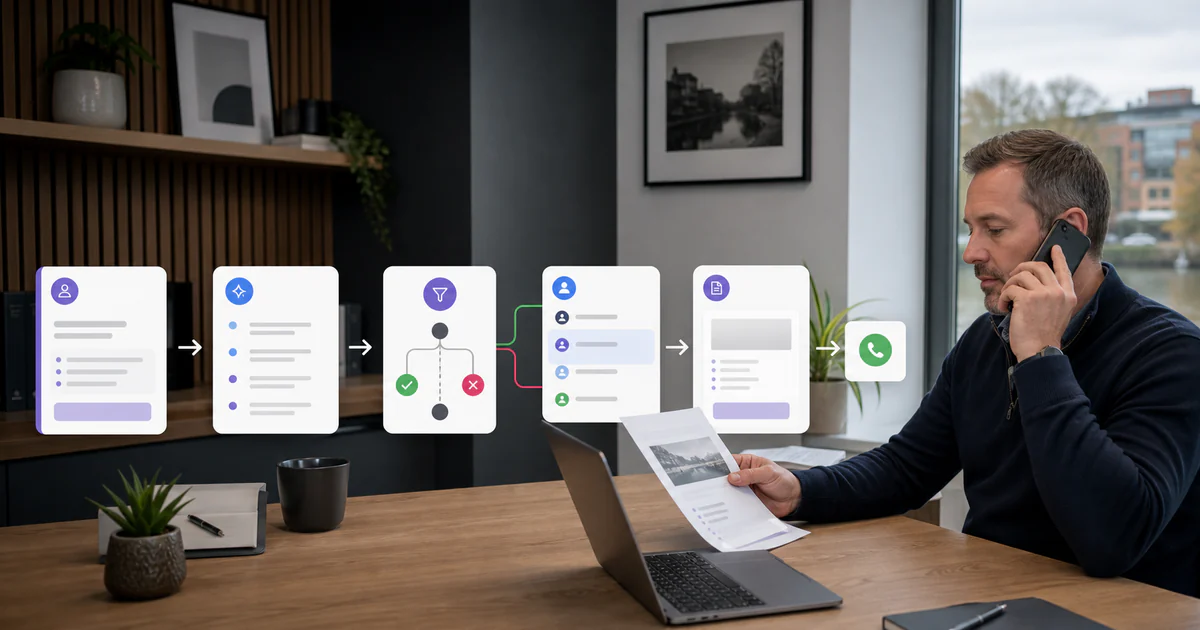
AI and automation can increase sales by making sure good enquiries receive a quick, relevant response and do not disappear between an inbox, spreadsheet and somebody's memory. A practical system captures the enquiry, records its source, prepares context, assigns an owner, prompts the next action and makes follow-up visible.
The useful distinction is this: ordinary automation moves known information according to rules; AI helps interpret less structured information. A form submission can create a CRM record without AI. A model may help summarise the buyer's problem from a long email. A workflow can then assign a person and set a task without asking the model to make every decision.
The goal is not to send more messages. It is to reduce lost intent and help the team have better conversations at the right time.
Find the Sales Leak Before Buying a Tool
Look at the last 30 to 50 genuine enquiries and opportunities. Trace each one from its first contact to the latest action. Record:
- source and campaign;
- time to first useful response;
- whether it entered the CRM;
- who owned it;
- qualification result and reason;
- next action and due date;
- proposal date;
- number and timing of follow-ups;
- outcome and value where known.
Patterns usually appear quickly. Enquiries may sit in a shared inbox overnight. Website forms may create email notifications but no CRM record. A salesperson may send a proposal and rely on memory to chase it. Marketing may report leads that sales regards as irrelevant because the two teams use different definitions.
Choose the first workflow from that evidence. Automating a broken process can make the reporting look busy while the same leads continue to disappear.
Design One Clear Enquiry-to-Follow-Up Flow
A small-business system does not need dozens of agents. It needs a dependable path with visible ownership.
1. Capture the Enquiry and Its Provenance
Collect only the information needed to respond and qualify. A service enquiry might need name, business, contact details, requested service, timing, budget range and an open explanation. Do not create a long form simply because the CRM has empty fields.
Record how the person arrived, which page or campaign they used, and what marketing permission was given. Keep the original message and timestamp. Provenance matters for attribution, personalisation and legal compliance.
Protect the form from spam and validate required details. Use a clear success message that explains what will happen next and when a person should expect a response.
2. Create or Update the CRM Record
Normal automation should search for an existing person and company, then create or update the right record according to agreed matching rules. It should not silently make three versions of the same customer because an email address uses different capital letters.
Every record should receive:
- source;
- enquiry summary;
- product or service interest;
- owner;
- status;
- next action;
- due date;
- link to the original message;
- consent or marketing-status evidence where relevant.
If the CRM is not trusted, fix the field definitions before adding AI. Our guide to AI integration for small-business workflows explains why the system of record must stay clear.
3. Use AI to Summarise, Not Rewrite Reality
An AI step can turn a long, unstructured enquiry into a short internal summary. It may extract the stated timing, location, requested service and questions, then identify missing information.
Require the summary to stay traceable to the original message. Staff should be able to open the source. The model must not guess a budget, company size or buying intention that the prospect did not state.
A useful output format is:
- what the prospect explicitly wants;
- relevant facts they supplied;
- unanswered questions;
- suggested routing category;
- confidence or exception;
- original message link.
This helps a person understand the enquiry quickly without allowing the summary to replace the evidence.
4. Apply Transparent Qualification Rules
Start with rules the sales team can explain. For example, route by service, geography, delivery capacity, stated timescale and whether the enquiry contains enough information for a call.
AI can classify the free-text message against those agreed categories and flag ambiguous cases. It should not secretly score people from tone, name or inferred personal characteristics. Review which leads the system downgrades and why.
Separate fit from readiness. A good-fit prospect who is researching for next quarter may need useful nurturing, not rejection. An urgent request outside the company's competence needs a quick, honest answer rather than a high score.
5. Send a Prompt Acknowledgement
An immediate acknowledgement can confirm receipt, repeat the expected response time and provide a useful next step. Use a fixed approved template with inserted factual details rather than a fully generated sales pitch.
Where a response needs personal judgement, AI can prepare a draft for a person. The reviewer should check names, facts, promises, links, price references and tone. Avoid over-personalisation that reveals how much data has been collected.
For a simple qualified enquiry, the workflow might offer a booking link assigned to the correct colleague. For an unclear one, it can ask one or two relevant questions. For an urgent service problem, it should route to support rather than force the person into a sales sequence.
6. Prepare the Sales Conversation
Before a call, AI can assemble a short briefing from approved internal sources:
- original enquiry and subsequent messages;
- relevant CRM history;
- pages or services requested;
- previous proposals or projects;
- missing qualification information;
- agenda and questions for the call.
Be careful with external “research” and data enrichment. Check source, accuracy, licence, lawful basis and whether the information is necessary. More data is not automatically a better conversation. A useful briefing helps the salesperson listen; it should not encourage them to pretend they know a prospect personally.
7. Turn Notes Into an Accurate Next Step
After the call, transcription or notes can be summarised into agreed needs, decisions, actions, owners and dates. A person must review the summary before it updates important CRM fields or reaches the prospect.
The follow-up should confirm what was actually discussed. It can include relevant work examples or a clear scope, but it should not add commitments the salesperson never made.
If the next step is a proposal, automation can create a task and a draft document from approved service, price and terms data. Keep commercial approval with a person. Generated numbers and contractual language are high-cost places for a plausible error.
8. Make Proposal Follow-Up Visible
Every proposal should have a sent date, value or range, decision process, expected decision date and next follow-up. The system can create reminders based on those facts.
A sensible sequence might be:
- Confirm safe receipt and offer to clarify questions.
- Follow up around the date agreed in the conversation.
- Share one genuinely relevant answer or example.
- Ask for a clear status and give the prospect an easy way to pause.
- Close the active opportunity respectfully if there is no response.
AI can draft a message from the proposal and CRM notes, but a person should decide whether sending it is appropriate. Ten automated “just checking in” emails do not create trust.
9. Nurture With Permission and Relevance
Not every prospect is ready now. Place people into an appropriate follow-up only when the source, relationship and marketing permission support it. Segment by real expressed need rather than inventing detailed personal profiles.
A useful nurture sequence might include a pricing explanation, implementation checklist or related case study. Measure whether people read, reply and progress, and remove content that creates noise.
The best marketing automation platform is the one the team can operate lawfully and consistently, not the one with the most campaign branches.
Keep UK Direct-Marketing Rules in the Workflow
AI does not create a new exemption for sales outreach. The ICO's guidance on electronic-mail marketing explains the Privacy and Electronic Communications Regulations 2003 in detail. The rules depend on the channel, recipient and context, and data-protection law also applies when personal data is used.
Build compliance fields and suppression into the system:
- source and date collected;
- recipient type and relationship;
- consent evidence where required;
- purpose and lawful-basis assessment;
- privacy information provided;
- opt-out or objection status;
- suppression across connected tools;
- retention and review date.
The ICO's direct-marketing planning guidance explains that consent and legitimate interests are common data-protection bases, while PECR may separately require consent for particular electronic marketing. Do not treat “legitimate interests” as a phrase that permits any scraped list or mass sequence. Obtain appropriate advice for the proposed campaign.
Automate opt-outs quickly across email, CRM and other channels. A smart message sent to someone who has objected is still the wrong message.
Ordinary Automation or AI?
Use the simplest reliable method.
| Task | Better starting method |
|---|---|
| Create a CRM record after a form | Rule-based automation |
| Check whether a required field is empty | Rule-based automation |
| Summarise a long enquiry | AI with source link and review |
| Classify free text into agreed service categories | AI with confidence and exception route |
| Assign by postcode or selected service | Rule-based automation |
| Draft a contextual follow-up | AI draft with human approval |
| Send an approved acknowledgement | Rule-based automation |
| Set a proposal reminder | Rule-based automation |
| Decide a bespoke price or promise | Human decision with approved data support |
This hybrid design is cheaper to test and easier to explain. Our AI workflow automation service uses AI only where interpretation adds value.
A Worked Example
Consider a hypothetical UK design and development firm receiving 40 enquiries a month. The problem is not volume; it is inconsistency. Some enquiries get a reply in an hour, others wait two days, and proposal follow-up depends on the person who sent it.
A focused workflow could:
- Validate the website form and store source information.
- Create or update the contact and deal in the CRM.
- Use AI to summarise the stated requirement and flag missing details.
- Route by service and geography using fixed rules.
- Send an approved acknowledgement with the owner's response time.
- Create a task for a person to review and reply.
- After a call, draft actions from reviewed notes.
- Create the proposal and follow-up dates in the CRM.
- Alert the owner when an agreed action is overdue.
This example does not promise a revenue percentage. The team would compare response time, lost records, meetings, proposals, progression and staff time before and after. If those do not improve, adding another AI agent will not rescue the design.
Measures That Matter
Record a baseline before launch. Then review:
- median time to first useful response;
- percentage of enquiries with a named owner and next action;
- contact and booking rate;
- qualification rate with clear reasons;
- proposal sent and followed up on time;
- stage-to-stage conversion;
- average and total sales cycle;
- won value and margin where appropriate;
- staff time saved after review work;
- errors, duplicate records and correction time;
- opt-outs, complaints and inappropriate sends;
- software, implementation and support cost.
Do not credit AI with every sale after launch. Other changes in demand, pricing, staff and marketing affect results. Use a phased rollout or comparison group where practical, and state the assumptions. Our guide to measuring AI ROI provides a conservative calculation method.
A Safe 30-Day Build
Week 1: Map and Measure
Trace recent enquiries, agree stage definitions, identify the worst handoff and capture the baseline.
Week 2: Clean and Connect
Fix CRM fields, ownership and permissions. Connect the form and inbox in a test environment. Use synthetic or controlled data while the workflow is being built.
Week 3: Add One AI Step
Introduce summarisation or classification with a small evaluation set. Test vague, malicious, incomplete and out-of-scope messages. Keep human approval.
Week 4: Pilot and Review
Run with a small share of genuine enquiries, review every result and compare the measures. Document failures and decide whether to expand, change or stop.
An AI automation setup should leave the business with the workflow map, permissions, monitoring and handover—not only a collection of connected boxes.
Frequently Asked Questions
How can a small business use AI to increase sales?
Use AI to read and summarise enquiries, retrieve relevant context, draft personalised follow-up and highlight stalled opportunities. Use ordinary automation to create CRM records, assign owners, schedule tasks and move approved data. The combination should help the team respond consistently and spend more time on qualified conversations.
What should we automate first in a sales process?
Start with the point where genuine enquiries are being lost: slow acknowledgement, missing CRM records, unclear ownership or forgotten follow-up. Choose one frequent, measurable handoff and keep a person responsible for qualification, promises, pricing and the final message.
Can AI send sales emails automatically in the UK?
Technology can send them, but the marketing still has to comply with PECR and data-protection law. The rules differ by recipient and context. Record the source and permission, provide the required identity and opt-out information, honour objections and obtain specialist advice for the proposed campaign.
Should AI qualify leads without a human?
It can apply transparent routing criteria and prepare a recommendation, but a person should review ambiguous or high-value enquiries. Do not infer sensitive characteristics or silently exclude people through an untested score. Monitor who is filtered and why.
How do we measure sales-automation return on investment?
Compare the baseline and pilot for response time, contact rate, qualified meetings, proposal follow-up, conversion, staff time, error repair and full software cost. Use a holdout or phased rollout where practical, and avoid claiming every saved minute or sale was caused by AI.
Repair One Broken Handoff First
AI and automation increase sales when they protect the intent a prospect has already shown. Capture the enquiry correctly, keep ownership visible, use AI for bounded interpretation and make the next human action easy.
Begin with one broken handoff. Measure the baseline, build the smallest reliable workflow and expand only when real progression improves. The result should feel more attentive to the customer, not more automated.
If enquiries are being lost between your website, inbox and CRM, contact MattDarm. We can map the process, connect the systems through AI integration services and prove the first workflow before scaling it.