

Key Takeaways
- An app needs a reason for customers to install and return, not just a place in an app store.
- Compare a responsive website, progressive web app and native app against the same tasks.
- Device features and offline behaviour vary by implementation and platform.
- Budget for adoption, support, security and updates as well as development.
A mobile app can be useful when it makes a repeated customer or staff task substantially easier. It is not automatically the next step for every growing business. A well-designed responsive website may already meet the need without asking people to install, update and maintain another application.
Before commissioning an app, define the task and the reason someone would return. This guide compares the practical benefits with adoption and operating costs. It does not use global app-store spending as evidence that an individual business will earn more by building an app.
Start with the repeated task
List what the user needs to do and how often. Examples might include checking an ongoing booking, recording work on site, managing a membership or ordering a familiar product again. These are possible use cases, not guarantees that an app is the right delivery method.
Ask what is difficult in the current process. Is the problem repeated login, poor mobile layout, unreliable connectivity or information spread across systems? An app should address a specific limitation, not merely reproduce the same confusing website in a different container.
Speak to the people who will use it. A business may like the idea of an app while customers prefer a quick browser link. Staff may need an offline workflow but not a public app-store presence. Those differences should shape the brief before design begins.
Compare the three main delivery routes
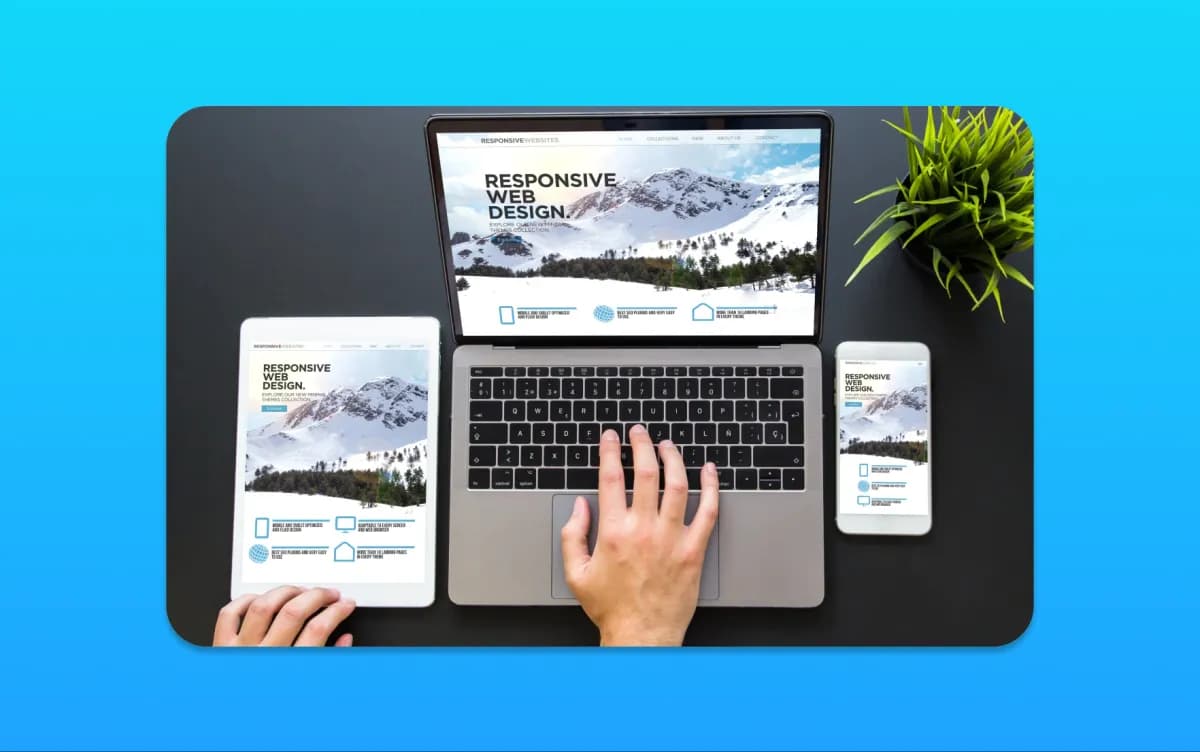
A responsive website runs in a browser and adapts to different screen sizes. A progressive web app uses web technologies and can offer app-like capabilities, depending on the browser and implementation. A native or cross-platform mobile app is distributed and operated through the relevant mobile ecosystem.
The MDN progressive web app documentation explains capabilities such as installability and offline operation. Support varies, so test the features required on the actual devices your audience uses. Do not assume that camera or location access is exclusive to native apps.
Compare the same customer tasks across the options. Record what works, what requires permission, what fails offline and what needs additional development. A platform label is less useful than a demonstrated workflow with realistic data.
Identify benefits that are genuinely relevant
An app may reduce friction for a task performed frequently, provide a focused interface or support a device-specific workflow. It can also give a team a clearer way to capture and synchronise information. Those are potential capabilities to test, not automatic commercial outcomes.
For a membership service, the benefit might be easier access to current account information. For field staff, it might be recording an item with a photograph and synchronising later. For a retailer, repeat ordering might matter more than adding another promotional channel.
Write an acceptance test for each benefit. Instead of “improve engagement”, specify that a user can find their next appointment, understand its status and contact support. This makes the build easier to evaluate and reduces the scope for vague success claims.
Consider the installation and adoption cost
Customers need a reason to install an app and keep it. A one-off visitor looking for a phone number may not have one. Requiring an install before providing basic service information can create friction rather than remove it.
Plan how existing customers will discover the app, understand its purpose and get help. Keep essential public information available on the website. Do not force every customer into an account or app workflow if a simpler route is appropriate.
Measure activation and meaningful repeat use, not downloads alone. An installation that is never opened again does not establish a successful customer experience. Define the useful action and review why people fail to complete it.
Design notifications around a real need
Notifications can help with time-sensitive or account-relevant information, but they can also become intrusive. Distinguish a useful service update from a promotion. Give people understandable choices and respect platform permissions and applicable communication rules.
Do not assume that permission for one type of notification authorises every future message. Keep the wording accurate and avoid revealing sensitive information on a device's lock screen. Consider what a shared or lost device could expose.
Test the workflow when notifications are declined or unavailable. The core service should not depend on a person accepting optional promotional messages. Provide an appropriate in-app or web route to the important information.
Define offline behaviour precisely
Offline support is not a single switch. Decide which information can be viewed, which actions can be queued and what happens when two devices make conflicting changes. Explain the status clearly so a user does not mistake a local draft for a confirmed booking or order.
Test poor connectivity, interrupted uploads and repeated retries. A queued action should not create duplicates when the connection returns. Sensitive information stored on a device needs appropriate protection and retention arrangements.
If reliable online access is sufficient for the task, do not add offline complexity without a reason. Every additional capability increases the number of states the team needs to build, test and support.
Keep accessibility and usability in the brief
Test readable text, clear labels, focus, error handling and the main tasks with relevant assistive technology. Do not assume that a native interface is automatically accessible or that a responsive web page is automatically difficult to use.
The W3C's accessible-design guidance provides useful principles for clear interaction and presentation. The exact platform also needs its own implementation checks. Include accessibility in acceptance rather than treating it as a final visual polish.
Use the website navigation guide to plan task-based observation. The same question remains useful across platforms: can a person understand where to go and complete the intended task without being coached?
Plan data access and security
List the information the app will collect and the systems it will connect to. Define account permissions and separate ordinary user actions from administrative operations. A polished interface does not establish that the underlying API authorises requests correctly.
Choose security controls appropriate to the data and architecture, including secure transport, access control, secure credential handling and an update process. Do not claim that every app uses end-to-end encryption; that is a specific design property, not a generic synonym for security.
Review privacy, retention and deletion requirements with appropriate expertise. Avoid collecting device or behavioural data simply because it is available. Keep third-party SDKs and analytics within the approved scope and test how the app behaves when optional collection is declined.
Budget for the operating life, not just launch
Include discovery, design, development, integrations, testing and release work. Then include platform accounts, hosting, support, security updates, operating-system changes and future feature work. Confirm who owns and controls the relevant accounts and source material.
Ask how the app will be maintained if the original supplier is unavailable. Check documentation, export options and the handover. A low initial quote can be misleading if essential updates or ordinary changes require expensive bespoke intervention.
Compare those costs with improving the existing website or building a web application. Use the custom-versus-template guide for broader ownership and procurement questions. The right choice depends on the task and operating model, not a universal price threshold.
Keep app discovery separate from website SEO
App-store discoverability and Google Search visibility for web pages are related marketing considerations, but they are not the same optimisation system. Publishing an app does not automatically improve the rankings of the business website.
Maintain useful public pages explaining the service, support and app purpose. If commerce is involved, keep product information and the purchase journey clear. The ecommerce checklist helps assess those customer needs before adding another channel.
Do not use an app to hide information that should be easy for prospective customers to find. A strong website can continue supporting discovery while an app serves repeated tasks for established users.
Make the decision with a small prototype
Prototype the core task with representative users before committing to a full feature list. Test the value proposition as well as the interface: would they use this often enough to justify the extra step? Record the objections and compare a simpler web route.
Set a success condition and a stop condition. If the prototype does not improve the task or adoption appears unlikely, use the findings to improve the existing service instead. Avoid treating development already spent as a reason to expand an unsuitable project.
MattDarm can help assess web app development, UX and UI design and responsive website design. Describe the repeated task and current limitation so we can recommend a proportionate route rather than assume a native app is necessary.
Frequently Asked Questions
Does every business need a mobile app?
No. An app needs a clear benefit for a repeated task and a reason for people to install and return. A responsive website or web app may meet the requirement more simply.
Can a website use phone features?
Web technologies can support some device capabilities, subject to browser support, permissions and implementation. Test the required features on actual target devices rather than assuming they are exclusive to native apps.
Will an app improve our Google rankings?
Not automatically. App-store discovery and web search are distinct. Maintain useful public website content and evaluate the app according to the customer task it supports.
What should an app budget include after launch?
Include hosting, platform administration, support, security updates, operating-system changes, integrations and future development. Agree ownership, documentation and the maintenance handover before commissioning the build.
What should we prototype first?
Prototype the main repeated task, including onboarding and any difficult connectivity or permission states. Compare it with a simpler web route and test whether intended users see enough value to adopt it.